
Spotfire Migration and Upgrade Services for Complex Environments
Cadeon provides Spotfire upgrade services for organizations that need the migration planned, tested, and managed properly from start to finish. We review the existing environment, identify compatibility risks, prepare the target version, support the cutover, and stay involved after launch.
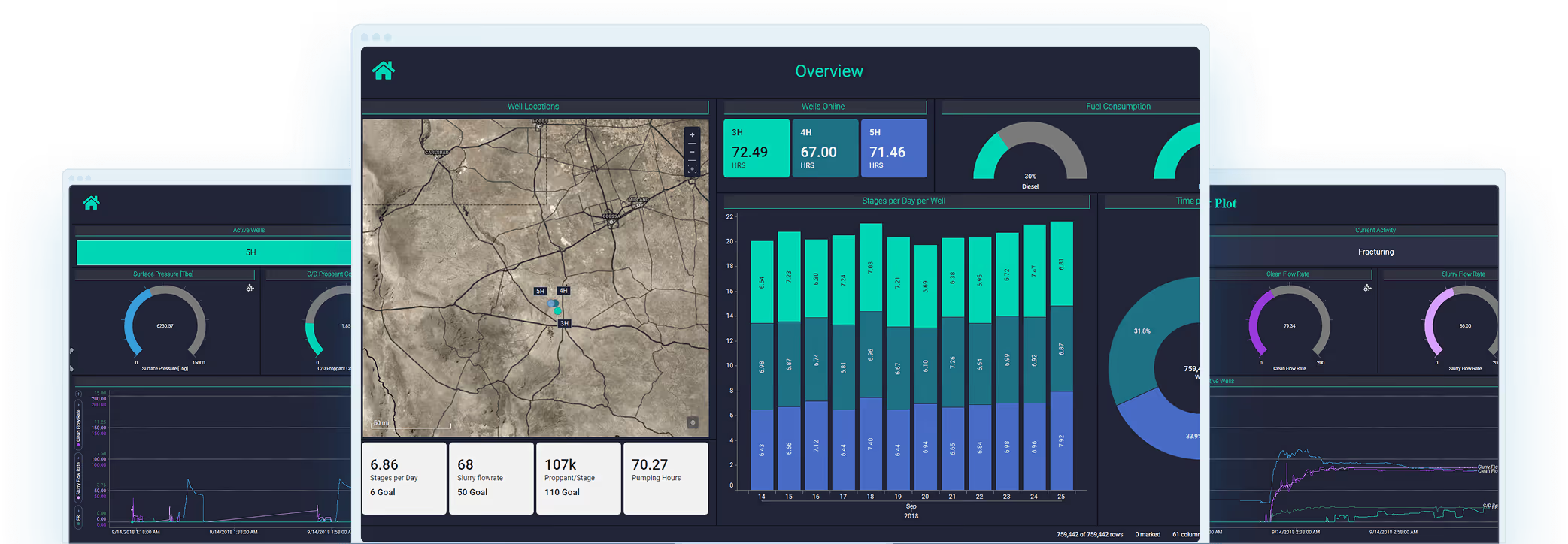

A Spotfire Migration Has to Account for More Than the Version
Environment Dependencies
Compatibility Risks
Production Readiness

What We Manage During a Spotfire Migration
Environment and Version Assessment
We review your current Spotfire version, infrastructure, extensions, scripts, authentication setup, data functions, integrations, and connected systems before recommending the migration path.
Spotfire Migration and Compatibility Testing
Your target environment is checked against the dashboards, data connections, custom components, and workflows users depend on before the production move takes place.
Dashboard and Performance Review
An upgrade is also a good opportunity to identify slow dashboards, configuration problems, outdated components, and other issues that may be affecting the current environment.
Cutover and Post-Upgrade Support
Cadeon supports the production migration, validates the upgraded environment after launch, and helps resolve technical or user-impacting issues that appear during the transition.
Test the Spotfire Upgrade Before Production Has to Depend on It
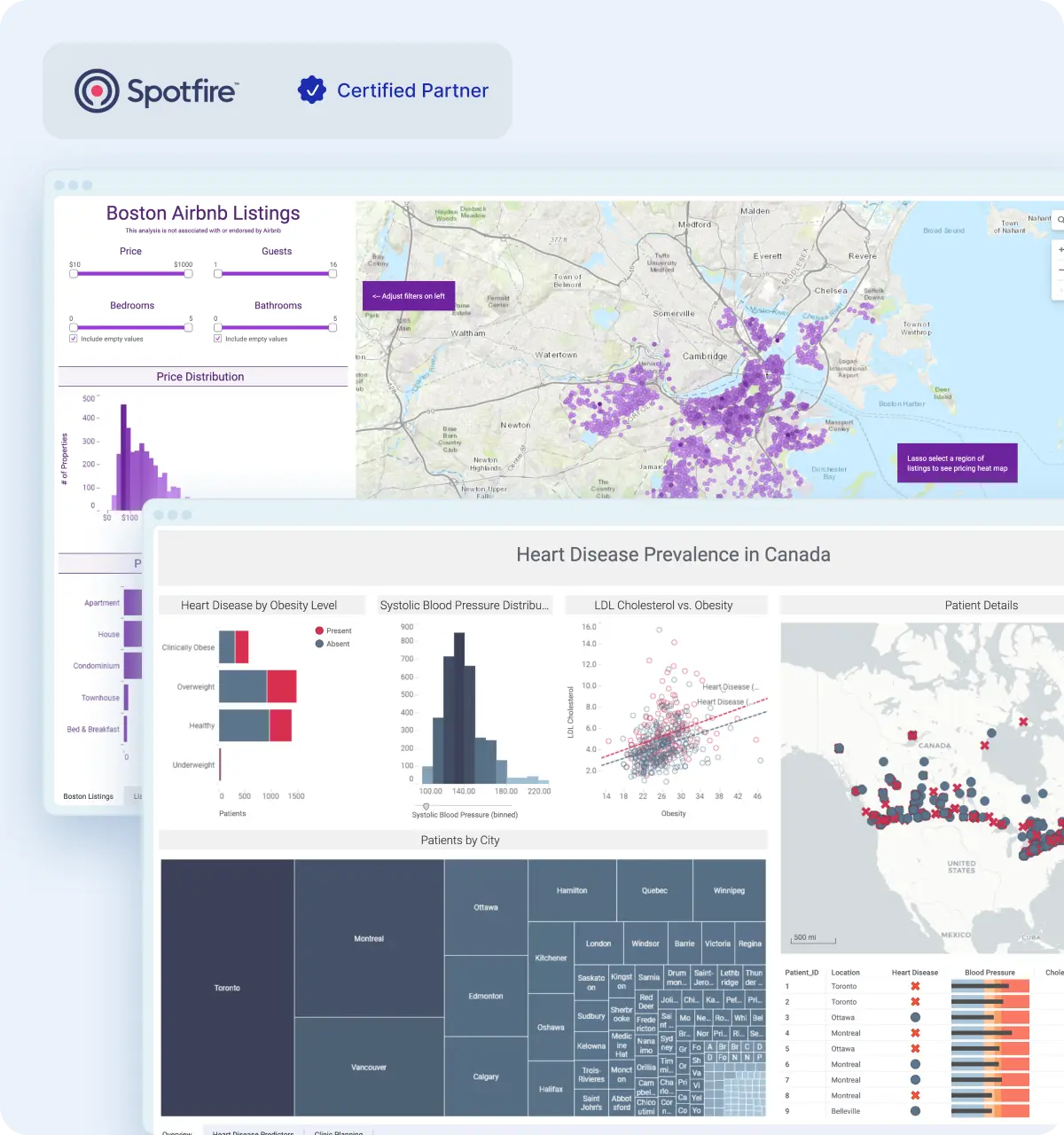

A Successful Spotfire Migration Should Leave You in a Better Position
Faster dashboard loading after upgrade and performance optimization.
Less downtime during planned Spotfire migration and upgrade transitions.
Compatibility testing completed before production deployment.
A Spotfire Migration Has to Fit Around the Business
Work Around Critical Reporting Windows
We identify periods when Spotfire needs to remain stable and available, then plan upgrade activity around reporting cycles, deadlines, and other business-critical events.
Prepare the People Using Spotfire
A newer version may introduce interface changes, new features, or different ways of working. We help identify what users and administrators need to know before the upgraded environment becomes their day-to-day system.

Keep Every Spotfire Upgrade Decision Accountable
Define What Success Looks Like
We agree on the conditions the upgraded environment needs to meet before the project begins.
Identify business-critical dashboards and workflows
Set performance and availability expectations
Confirm what must remain unchanged after migration
Give Every Dependency an Owner
Technical issues are easier to resolve when responsibility is clear.
Assign owners to integrations and custom components
Coordinate with internal IT and analytics teams
Track open decisions and required actions
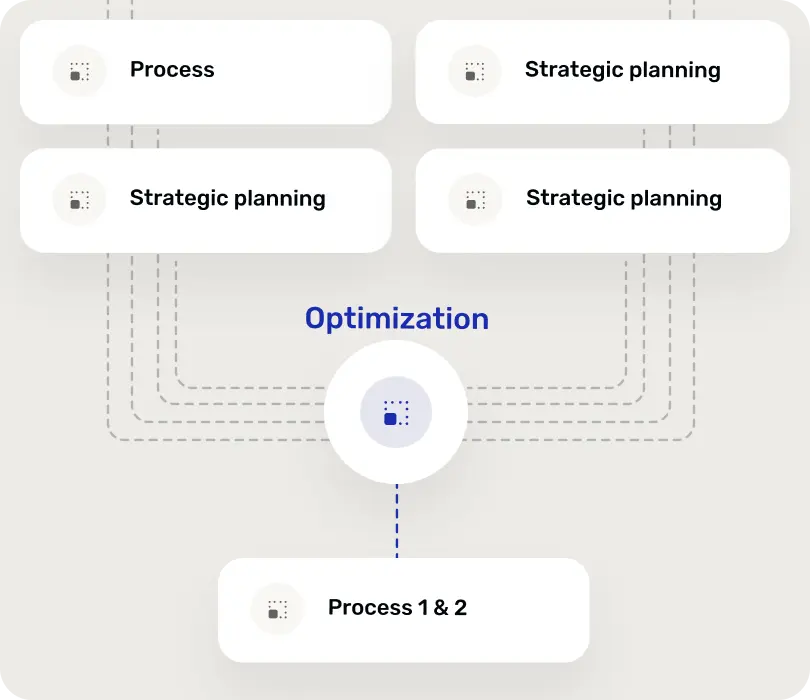
Sign Off Before Moving Forward
The migration progresses through clear checkpoints rather than assumptions.
Review technical and business readiness
Confirm stakeholder approval
Document what is accepted before the next stage

Decide What Kind of Spotfire Migration You Actually Need
Version Upgrade or Infrastructure Change?
If the current architecture still works well, a focused Spotfire version upgrade may be the simplest path. If infrastructure is becoming difficult to maintain, the project can also be used to evaluate a larger migration.
One Cutover or a Phased Rollout?
Smaller environments may be able to move at once. Larger or more complex deployments can benefit from moving users, workloads, or environments in stages so the organization has more control over the transition.
What Comes Next After a Spotfire Upgrade
Spotfire Licensing and Renewals
Review licenses, renewals, and user access when the upgraded environment changes how teams use the platform.
Spotfire Training
Help analysts, administrators, and business users get comfortable with new features, workflows, and capabilities introduced after the migration.
Spotfire Consulting
Bring in experienced Spotfire consultants when the upgraded environment needs dashboard development, integration work, automation, or custom technical support.

Upgrade Advice From People Who Work Inside Spotfire
Featured Case Studies

GLJ and Cadeon: Transforming Data Analysis with Spotfire
GLJ, a leading consulting firm specializing in resource evaluation, technical studies, and emissions management, partnered with Cadeon to deliver more efficient, data-driven insights through Spotfire.
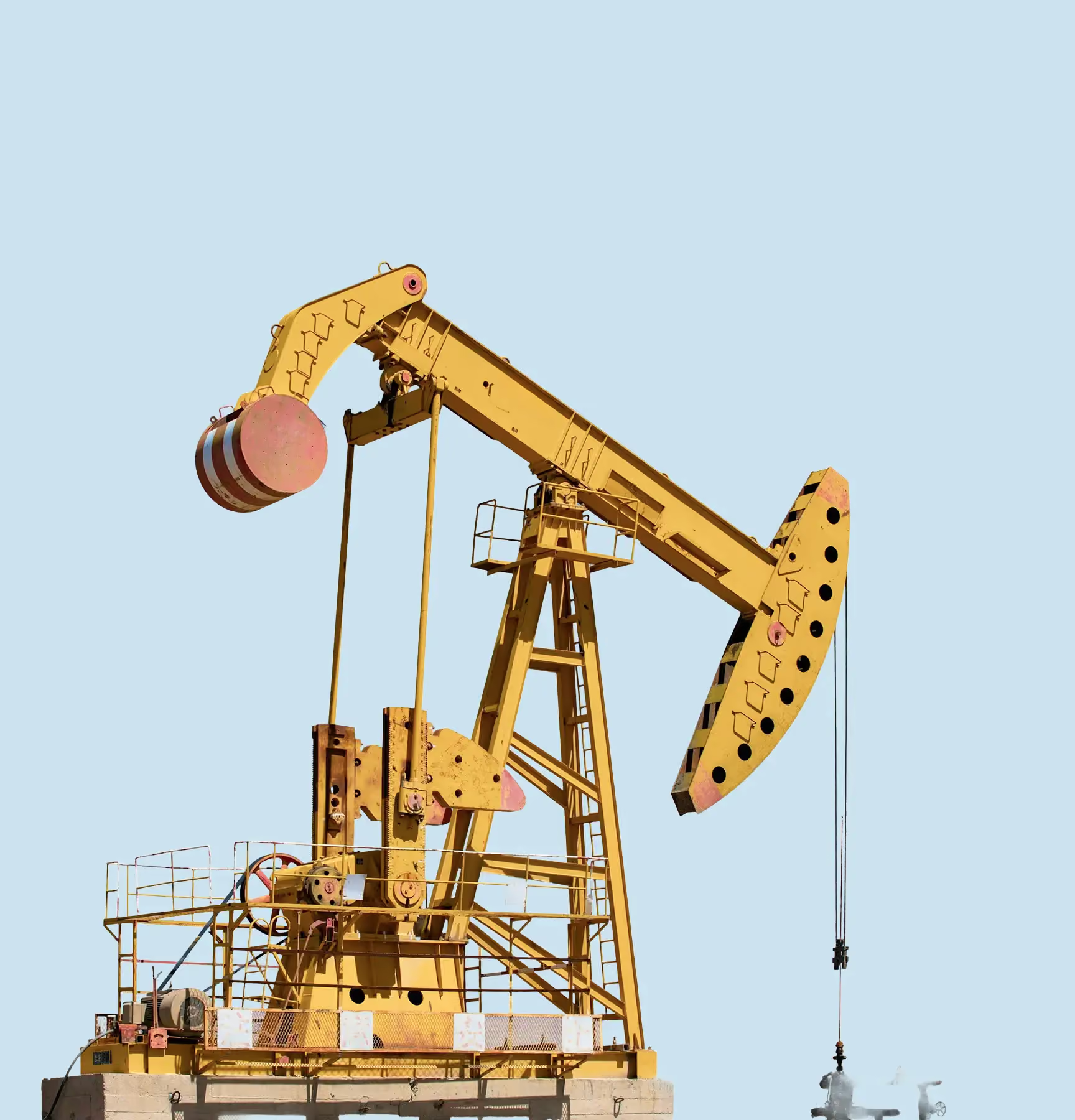
Spotfire® for Operational Dashboards in Energy.
Cadeon helped energy drilling and completion teams streamline daily operational reporting by replacing manual data aggregation with automated, interactive Spotfire dashboards accessible across the organization.
.avif)
Spotfire® for Loss Management in Oil & Gas
Cadeon implemented a comprehensive loss management analysis solution using Spotfire, helping an oil and gas operator standardize production loss reporting, improve data quality, and support executive decision-making.

Spotfire® for Drilling and Completions Performance Analysis
Cadeon helped an innovative drilling contractor transform high-frequency rig instrumentation data into interactive Spotfire dashboards, giving operators and well owners clear visibility into drilling performance at any point in time.

Spotfire® for Organizational KPI Analysis in Real Estate
Cadeon helped a large real estate organization centralize and visualize key performance indicators, giving leadership direct, interactive access to membership, operational, and financial insights through Spotfire dashboards.
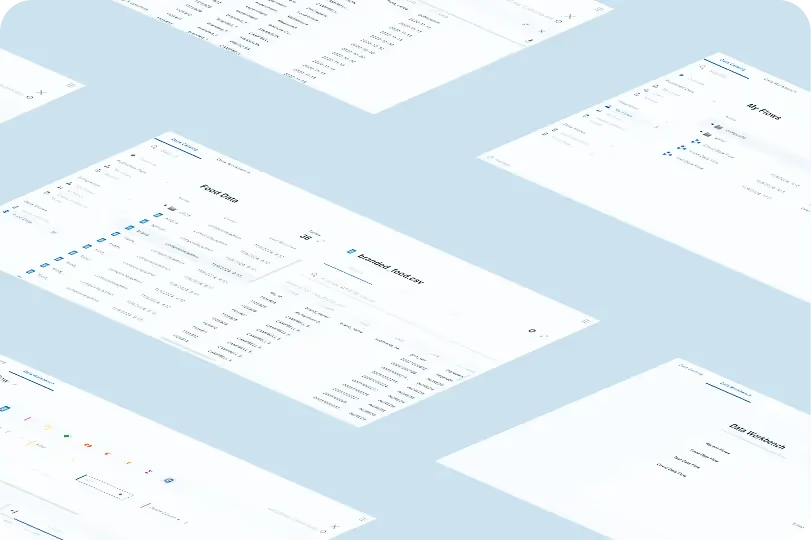
Spotfire® Automation Services for High-Volume PDF Reporting
Using Spotfire Automation Services and the Cadeon Print Module (CPM), Cadeon enabled automated, high-volume PDF report generation with consistent formatting and improved readability.
.avif)
Real-Time Analytics for Sports & Entertainment Operations
Cadeon helped a sports and entertainment organization integrate multiple data systems into a single, real-time analytics platform to support better customer experience and more profitable event operations.
Why Cadeon for Spotfire Migration and Upgrade Services
Deep Spotfire Experience
Our team works directly with dashboards, integrations, automation, administration, and enterprise Spotfire environments, not only version upgrades.
One Team Across the Platform
If the migration leads to licensing, training, consulting, integration, or performance work, the same partner can stay involved instead of transferring the project elsewhere.
Support for Complex Environments
Cadeon works with organizations where Spotfire supports important operational, technical, and executive workflows, so we understand the level of care those environments require.
Planning a Spotfire Migration and Upgrade?

Frequently Asked Questions
What is involved in a Spotfire migration?

A Spotfire migration typically includes reviewing the current environment, identifying technical dependencies, preparing the target version, validating dashboards and integrations, testing custom components, planning the cutover, and supporting the environment after launch.
When should a company upgrade Spotfire?
An upgrade may be needed when the current version is approaching end of support, newer features are required, compatibility issues are limiting the environment, or the existing setup is becoming harder to maintain.
What can break during a Spotfire upgrade?
Common risks include dashboards, scripts, data functions, extensions, authentication, database connections, integrations, and custom components behaving differently in the newer version. These dependencies should be reviewed before production changes are made.
Can you help migrate our on-premise Spotfire setup to the cloud?
Absolutely. We specialize in both version upgrades and infrastructure shifts. Whether you are moving to AWS, Azure, or Google Cloud, our Spotfire upgrade services include optimizing your configuration for a cloud-native or hybrid environment to improve scalability and performance.
How long does a Spotfire migration take?
The timeline depends on the size and complexity of the environment, number of dashboards and integrations, amount of custom development, testing requirements, and whether the migration is completed at once or in phases.
Can Spotfire be upgraded without affecting existing dashboards?
The goal is to preserve existing dashboards and workflows, but compatibility still needs to be tested. Older scripts, extensions, data functions, or platform configurations may require changes before they work correctly in the new version.
Should a Spotfire migration be completed all at once or in phases?
Both approaches can work. Smaller environments may be suitable for a single cutover, while larger or more complex environments may benefit from a phased migration that moves users, workloads, or systems in stages.
Can Cadeon help with Spotfire migration planning before the upgrade starts?
Yes. Cadeon can review the current Spotfire environment, identify dependencies and migration risks, help determine the right upgrade path, and plan the work required before changes are made to production.