
Spotfire vs Tableau: Features, Pricing & Best Use Cases
If you’re googling “spotfire vs tableau”, you’re not shopping for shiny charts. You want one analytics platform that can handle messy data, keep IT comfortable, and give business users answers without another spreadsheet fire drill. Maybe your operations team leans toward Spotfire, your finance group swears by Tableau, and your CIO wants a decision yesterday. The good news: both tools are strong. The better news: once you know where they differ, the choice gets a lot less fuzzy.
Underneath the feature lists, you are really choosing between two styles of analytics: one that thrives on constantly streaming operational data, and one that shines at broad, self-service dashboarding and data storytelling. That choice affects your architecture, licensing mix, support model, and even the skills you need on your team.
This guide walks through how Spotfire and Tableau differ in real projects, how each fits common industries, how the licensing models compare, and a simple six-step decision framework you can use with your stakeholders. By the end, you should have a clear, defensible answer to “Which tool actually works for our data?”
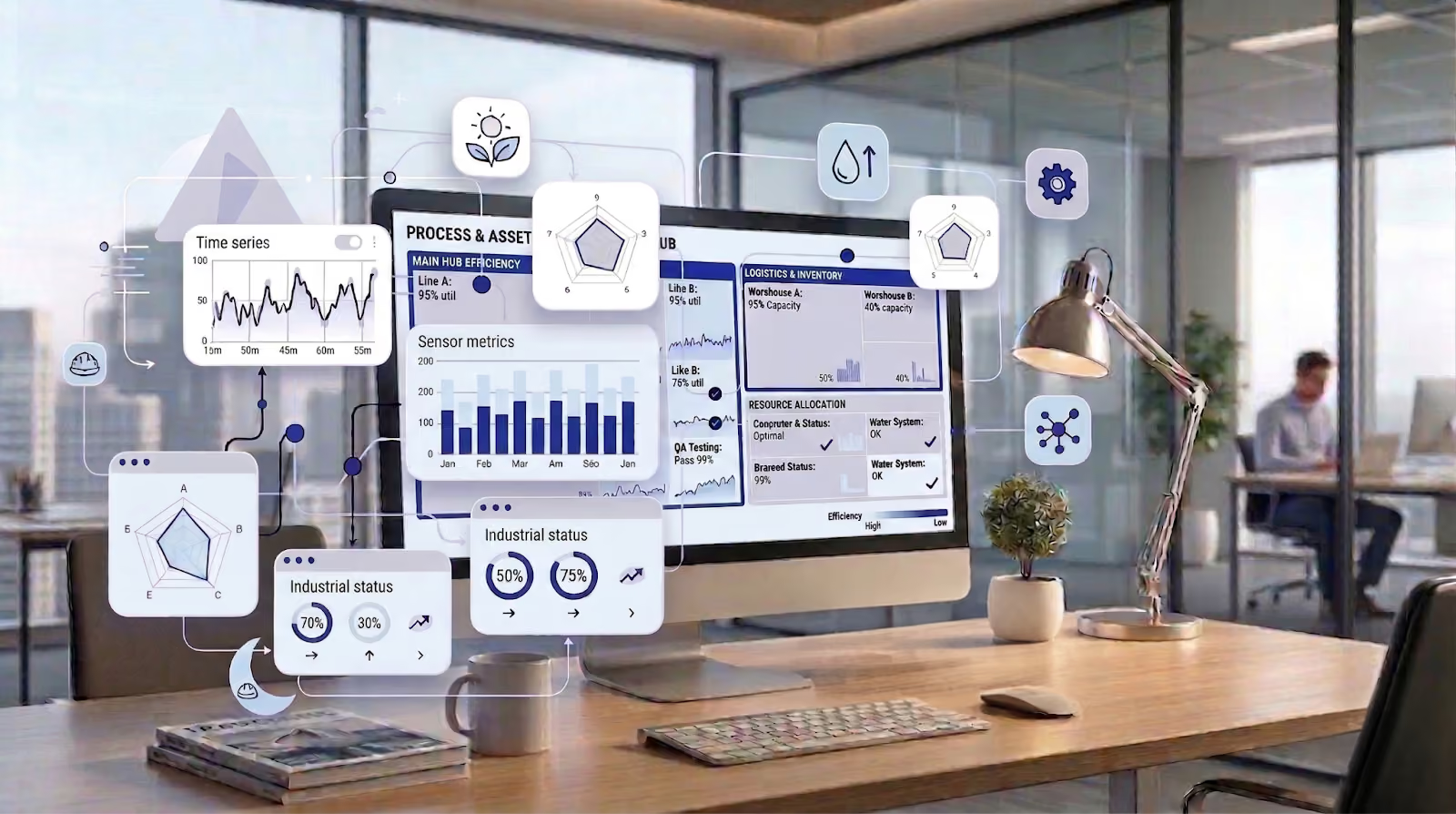

Table of contents
- Quick answer: when Spotfire vs Tableau
- Spotfire and Tableau at a glance
- Key differences that matter in real projects
- Which tool fits your team and industry?
- Tableau vs Spotfire: pricing, ecosystem, and skills
- How Cadeon helps teams win with Spotfire
- 6‑Step Spotfire vs Tableau Decision Framework
- FAQs about Spotfire and Tableau
Quick answer: when Spotfire vs Tableau
TL;DR
- Pick Spotfire if you care about real-time or near real-time data, time-series and operational analytics, or you’re in energy, utilities, or other asset-heavy industries that live on sensor data.
- Pick Tableau if your top need is beautiful, shareable dashboards and data storytelling for executives and business teams, and you can live with scheduled refreshes for most use cases.
- Both are proven enterprise platforms used across industries. Tableau has been recognized as a Leader in the Gartner Magic Quadrant for Analytics and Business Intelligence Platforms for more than a decade, while Spotfire has historically appeared as a Visionary in the same research and continues to earn strong customer ratings on analyst review sites.
Don’t chase the flashiest demo. Choose the tool that matches your data, your people, and your infrastructure.
Spotfire and Tableau at a glance
Before getting into details, here’s a side‑by‑side snapshot of Tableau vs Spotfire so you can see where each one tends to shine.

| Aspect | Spotfire | Tableau |
|---|---|---|
| Best for | Real-time and time-series operational analytics, complex engineering and asset use cases | Enterprise dashboards, KPI reporting, and data storytelling for broad business audiences |
| Typical users | Data analysts, engineers, operations teams, energy and industrial analysts | Business analysts, finance and marketing teams, executives and report consumers |
| Data freshness | Strong streaming, real-time and event-driven scenarios when paired with platforms such as Spotfire Data Streams | Live connections and extracts, typically refreshed on a schedule |
| Advanced analytics | Built-in statistics, data functions, R/Python integrations, and server-side predictive capabilities described in the Spotfire advanced analytics documentation | Built-in forecasting, clustering, trend lines, and integrations with data science tools |
At Cadeon, we see many clients run dedicated Spotfire consulting and training programs exactly because they sit in that intersection of heavy operational data and business decision-making. They need a platform that speaks both the language of engineers in the field and executives in the boardroom.
At the same time, it is worth remembering what both tools have in common: strong visual analytics, broad data connectivity, and mature ecosystems of partners, training, and extensions. Your decision is less about “good vs. bad” and more about how each maps to your data, people, and constraints.
Key differences that matter in real projects
1. Is Spotfire better than Tableau for real-time analytics?
If your world runs on historians, SCADA, IoT devices, or trading feeds, latency is not just an inconvenience; it changes decisions. Spotfire is designed to work closely with streaming analytics platforms such as Spotfire Data Streams, bringing real-time and time‑series data directly into interactive visualizations. This makes it a strong fit for control rooms, production operations, and field teams that watch assets in motion.
Tableau connects well to databases, cloud warehouses, and SaaS tools, and many teams rely on scheduled extracts. For finance, sales, and classic BI dashboards, that pattern works well. For second‑by‑second monitoring of wells, turbines, or pipelines, organizations often find Spotfire lines up better with their data flows, especially when the same view needs to combine streaming measurements with historical context.
2. Advanced analytics and data science
Both tools go far beyond simple charts, but they lean in slightly different directions. Spotfire offers rich statistical visualizations, custom expressions, and data functions, plus the option to run advanced analytics on a server with Spotfire Statistics Services and related components. That combination lets analysts mix dashboards with serious models in a single environment and push more advanced logic out to reusable data functions instead of embedding everything in SQL.
Tableau includes forecasting, clustering, trend lines, and integrations with scripting languages, and many teams pair it with a separate data science stack (for example, Python notebooks, dbt, or cloud ML services), then publish results back into dashboards. In practice, Spotfire often feels like “visual data science that happens to produce dashboards,” whereas Tableau feels more like “dashboards that can tap into data science when needed,” so the better fit depends on whether you lead with models or with presentations.
3. Visualizations and user experience
Tableau built its reputation on polished, interactive dashboards and data stories. It offers a wide range of chart types and layout options and is widely used across industries for executive dashboards and high-impact presentations. If your CEO expects slick, presentation-ready views from day one, Tableau will feel familiar and is supported by a huge community of templates, galleries, and best practices.
Spotfire’s visual layer is just as interactive but slightly more “analyst-first.” Its strength shows when users want to mark, filter, and slice data rapidly rather than spend hours pixel‑perfecting layouts. That style lines up well with engineering, operations, and analytics teams who want fewer keystrokes between raw data and “aha,” while still allowing branding and theming for executive audiences. In many evaluations, teams explore messy questions in Spotfire and then polish a small number of recurring views in Tableau.
4. Governance, deployment, and IT fit
Enterprise analytics lives or dies on governance. Spotfire often stands out in environments with strict security, data virtualization, and layered access requirements. Combined with broader platform, organizations can create governed data layers and real-time views that feed many Spotfire analyses at once, while still enforcing row-level security and audit trails.
Tableau Server and Tableau Cloud also support strong governance, row‑level security, and enterprise authentication, and many organizations standardize on them as their BI front end. The difference is less about “secure or not” and more about how each platform plugs into your existing architecture, especially if you already use tools, data virtualization, or have significant streaming needs. In highly regulated or hybrid environments, Spotfire’s architecture can be a natural fit; in cloud‑first organizations, Tableau’s ecosystem may align more closely with existing standards.
Which tool fits your team and industry?
Energy, utilities, and other asset-heavy operations
For oil and gas, power generation, pipelines, and utilities, data rarely sits still; historians, sensors, and control systems constantly feed new information. Spotfire’s strength with time-series data and streaming analytics fits that world very naturally, especially when paired for IoT and operational use cases.

Cadeon has used Spotfire to help energy and industrial clients track production, emissions, downtime, and field performance in near real time, often using patterns similar to our Spotfire operational dashboards case study. If that sounds like your reality, Spotfire deserves to start at the top of your shortlist.
Mini case: pipeline operator choosing between Spotfire and Tableau
One North American midstream operator came to Cadeon with both tools already in-house: Tableau for monthly commercial reporting and ad hoc spreadsheets plus historian tools for operations. In a short proof-of-value, we rebuilt real-time compressor monitoring, daily production loss reporting, and an executive summary dashboard in both platforms. Tableau handled the summary view well, but replicating the streaming compressor analysis required extra data movement and custom development, while Spotfire connected directly to streaming and historian data and delivered one view that worked for both engineers and executives, leading the client to standardize operational analytics on Spotfire while keeping a small Tableau footprint for existing finance dashboards.
Finance, marketing, and executive dashboards
If your analytics mix is dominated by revenue, pipeline, customer, or campaign data, and your users are used to classic BI dashboards, Tableau has a lot going for it. It is widely adopted as an enterprise BI and data visualization platform, with polished visuals, strong dashboarding features, and a very large community of users and content creators. In these settings, daily or hourly refreshes are usually good enough, and executives value Tableau’s “single pane of glass” more than advanced real-time diagnostics.
Many organizations span both operational and financial worlds. Some run Spotfire for engineering and operational analysis and Tableau for executive‑level summaries for a period of time, then consolidate onto the platform that proves most valuable in practice.
Tableau vs Spotfire: pricing, ecosystem, and skills
Licensing for both Spotfire and Tableau changes over time and by region, so any static price list goes out of date quickly. What really matters is the mix of license types you need and the broader total cost of ownership: licenses plus infrastructure plus the people who build and support content. Third‑party review platforms such as the Spotfire vs Tableau comparison on G2 and the PeerSpot buyer’s guide show both tools scoring well overall, with Tableau often leading on ease‑of‑use and visualization polish and Spotfire rating strongly for advanced analytics and complex data.
Licensing models: Creators, Explorers, Viewers vs Analysts, Authors, Consumers
Both platforms use role-based licensing models designed to match capabilities to what different users actually do day to day.
- Tableau offers three main license types: Creator for full authors who connect to data and build dashboards, Explorer for users who modify and publish from curated data, and Viewer for people who view and interact with published content.
- Spotfire offers similar roles, typically labelled Analyst (full authoring, including rich desktop capabilities), Business Author (web authoring on curated data), and Consumer (viewing and interacting with published analyses).
In both ecosystems, only a small portion of your users usually need the top-tier authoring role. A common pattern is 5–15% Creators or Analysts, 15–30% Explorers or Business Authors, and the rest Viewers or Consumers. Getting this mix right often has more budget impact than minor differences in list price between products, and partners like Cadeon can help you align Spotfire licensing to your real usage patterns.
When you compare licensing, build a simple model that maps your real users to these roles: how many people truly build new content from scratch, how many modify and share, and how many just need to open and interact with dashboards. Then price both platforms against that same model rather than comparing just the headline price of a single license type.
Ecosystem, skills, and time-to-value
Tableau benefits from a huge talent pool and community; chances are high you’ll find people with some experience. That can shorten hiring cycles and make it easier for new analysts to get productive quickly using public resources.
Spotfire has a smaller but very focused community, especially in industries like energy, manufacturing, and life sciences. Partners like Cadeon provide hands-on Spotfire training and consulting to upskill teams quickly. For many clients, that guided path flattens the learning curve far more than a giant library of generic tutorials and ensures that early projects are aligned with best practices in data modelling, security, and performance. Beyond licenses, factor in infrastructure (cloud vs. on-prem), internal support, and the cost of doing things twice if you try to maintain two primary BI platforms.
How Cadeon helps teams win with Spotfire
Cadeon is a long-standing Spotfire partner that focuses on turning data into measurable business value, not just dashboards. Through Spotfire consulting, implementation, and support services, the team helps clients design architectures, create reusable analytics assets, and roll out governed self-service analytics programs.
For organizations that are leaning toward Spotfire but need expert guidance, Cadeon offers:
- Spotfire consulting and solution design for energy, utilities, financial services, manufacturing, and more
- Role-based Spotfire training programs for business users, analysts, and administrators
- Dedicated Spotfire support and troubleshooting to keep production dashboards healthy
If you’d like a seasoned team to stress-test whether Spotfire is the right home for your analytics stack, you can book a free consult and walk through your specific data, users, and constraints.
6‑Step Spotfire vs Tableau Decision Framework
Here’s a short, practical framework you can use with your stakeholders, whether you end up with Spotfire, Tableau, or both. Run through it as a group and capture your answers in writing so that the final decision is transparent and defensible.

- Write down your top 5 analytics outcomes. Think in terms of business results (“real-time production monitoring” or “board-ready financial dashboards”) rather than features; if a requirement sounds like a chart type, ask what decision it supports.
- List your data sources and freshness needs. Historians, streams, and machine data tend to pull you toward Spotfire, while mostly warehouse and SaaS data with daily or hourly refreshes may push you toward Tableau.
- Score your team’s skills. Count how many analysts, engineers, and casual consumers you have, who already knows Spotfire or Tableau, and how much appetite there is for upskilling.
- Run 2–3 proof-of-value use cases. Build the same small set of dashboards in both tools using your real data and users, and compare time-to-value, performance, and feedback across at least one operational and one executive scenario.
- Estimate three-year total cost. Include licenses, infrastructure, training, and support, and model different mixes of author vs. viewer roles so you don’t over‑ or under‑license key teams.
- Decide how you’ll govern content. Map who can publish to production, how data sources will be certified, how row-level security is applied, and what the decommissioning plan is for legacy reports.
If you’d like help running those proof-of-value sprints or need an outside perspective on what the results really mean, Cadeon’s data and analytics consulting team does this work every week for organizations across North America.
FAQs about Spotfire and Tableau
Is Spotfire the same as Tableau?
No. Spotfire and Tableau sit in the same analytics and BI category, and both have been recognized by analyst firms over the years, but they make slightly different trade‑offs. Tableau leans toward broad dashboard distribution and storytelling; Spotfire leans toward advanced analytics and real-time, operational scenarios where streaming data and time series are central.
Can I use Spotfire and Tableau together?
Some organizations do. For example, they might use Spotfire for engineering, asset, or operational analytics and Tableau for executive scorecards. That approach can work, though it brings extra licensing, support, and training overhead and can confuse users about which tool to use when. For most mid-sized teams, choosing one primary platform and building depth there leads to better long‑term results.
How long does it take to move from Tableau to Spotfire (or vice versa)?
Timeline depends on how many workbooks you have, how clean your data is, and how much you want to redesign versus “lift and shift.” With a focused team and expert guidance, we often see organizations stand up meaningful new content in weeks, then phase over remaining dashboards over a few months instead of trying to switch everything in one big bang.
How do Spotfire and Tableau licensing models compare?
Both platforms use role-based licensing. Tableau’s Creator, Explorer, and Viewer licenses are roughly equivalent to Spotfire’s Analyst, Business Author, and Consumer roles. In each case, higher tiers allow you to connect to more data sources and build or modify more content, while lower tiers are optimized for viewing and light interaction. The most important step is to map these roles to your real internal personas so that you are not paying Creator prices for people who only ever view dashboards.
Key takeaway
If your business runs on live operational data and advanced analytics, Spotfire usually lines up best. If your priority is wide adoption of polished dashboards and stories, Tableau may fit better. Either way, the right choice depends on a clear decision framework and a governance and training model that lets your teams succeed with whichever platform you choose.
Spotfire is where our data depth was forged. That same depth is what a real data governance program is built on — see how Cadeon structures one →.
FAQs about Spotfire and Tableau
Is Spotfire the same as Tableau?

No. Spotfire and Tableau sit in the same analytics and BI category, and both have been recognized by analyst firms over the years, but they make slightly different trade‑offs. Tableau leans toward broad dashboard distribution and storytelling; Spotfire leans toward advanced analytics and real-time, operational scenarios where streaming data and time series are central.
Can I use Spotfire and Tableau together?
Some organizations do. For example, they might use Spotfire for engineering, asset, or operational analytics and Tableau for executive scorecards. That approach can work, though it brings extra licensing, support, and training overhead and can confuse users about which tool to use when. For most mid-sized teams, choosing one primary platform and building depth there leads to better long‑term results.
How long does it take to move from Tableau to Spotfire (or vice versa)?
Timeline depends on how many workbooks you have, how clean your data is, and how much you want to redesign versus “lift and shift.” With a focused team and expert guidance, we often see organizations stand up meaningful new content in weeks, then phase over remaining dashboards over a few months instead of trying to switch everything in one big bang.
How do Spotfire and Tableau licensing models compare?
Both platforms use role-based licensing. Tableau’s Creator, Explorer, and Viewer licenses are roughly equivalent to Spotfire’s Analyst, Business Author, and Consumer roles. In each case, higher tiers allow you to connect to more data sources and build or modify more content, while lower tiers are optimized for viewing and light interaction. The most important step is to map these roles to your real internal personas so that you are not paying Creator prices for people who only ever view dashboards.
Ready to transform your data strategy?
You might also like

Manufacturing Data Governance & AI Readiness

AI As a Paradigm Shift
Here’s something our team has been talking about. If your organization is investing in AI—pilots, platforms, use cases—but somehow the results still feel incremental instead of transformative, then keep reading.
